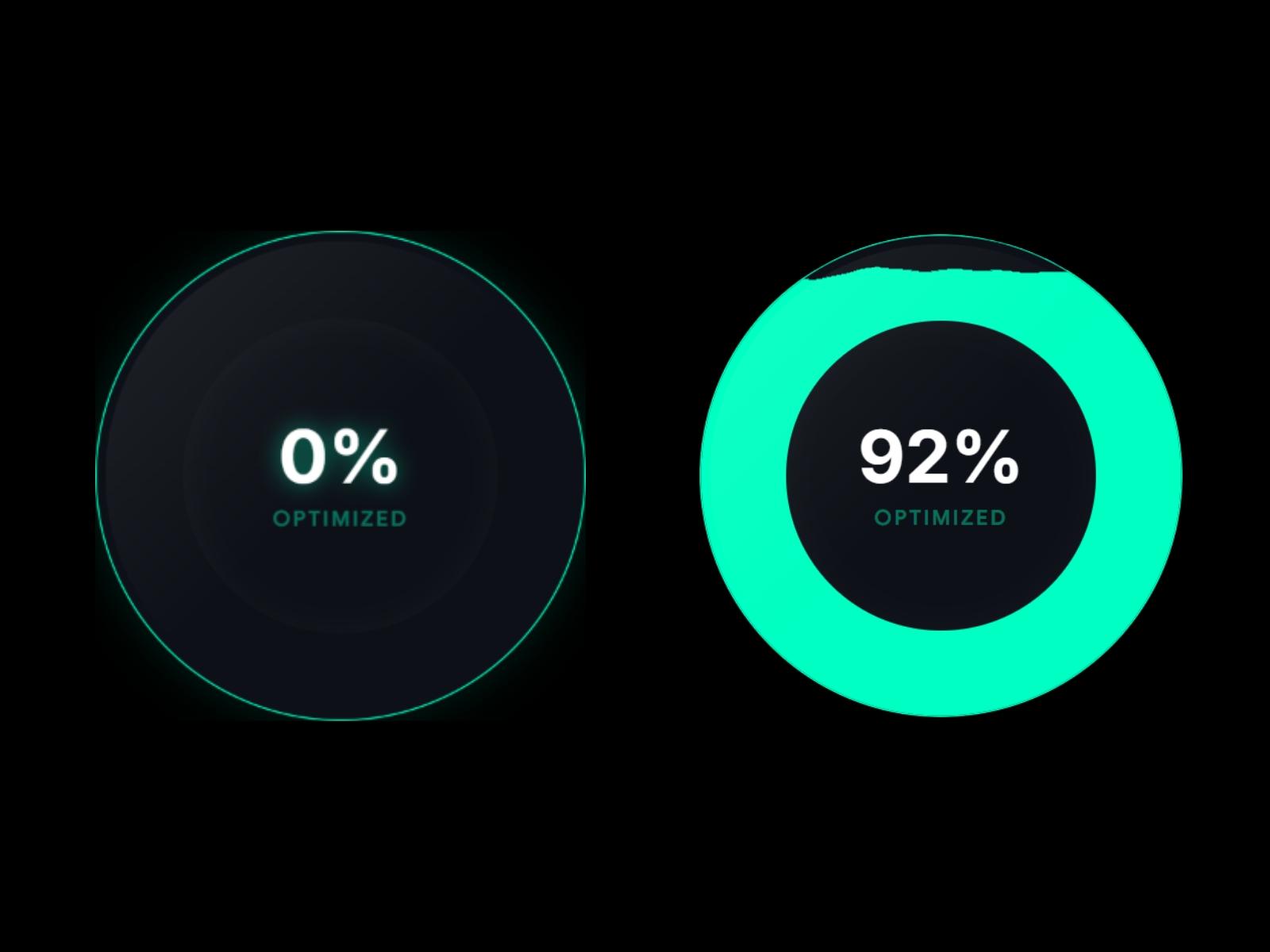
Dynamic Liquid Gauge
FramerFree
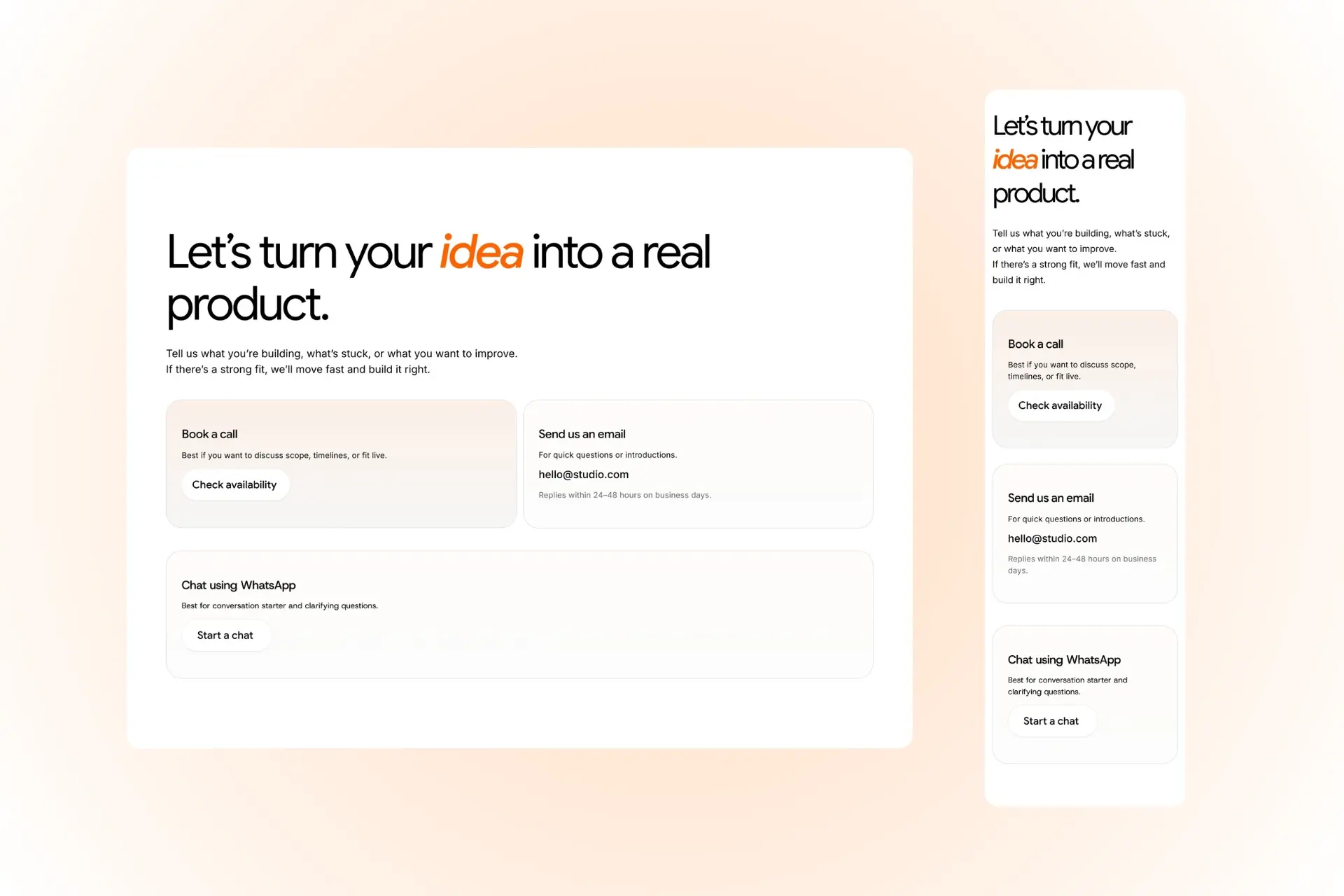
A clean, modern contact section with three ways to reach you, ready to paste into Framer.
Large heading with one highlighted accent word. Short intro text under the heading. Book a call card with a soft peach gradient and a "Check availability" button. Email card with your address and a reply-time note. WhatsApp card with a "Start a chat" button. Rounded cards with thin borders and soft white pill buttons. Fully mobile-responsive: the cards stack neatly on small screens. Editable text, colors, fonts and links. Works well for studios, agencies, freelancers and SaaS landing pages.