
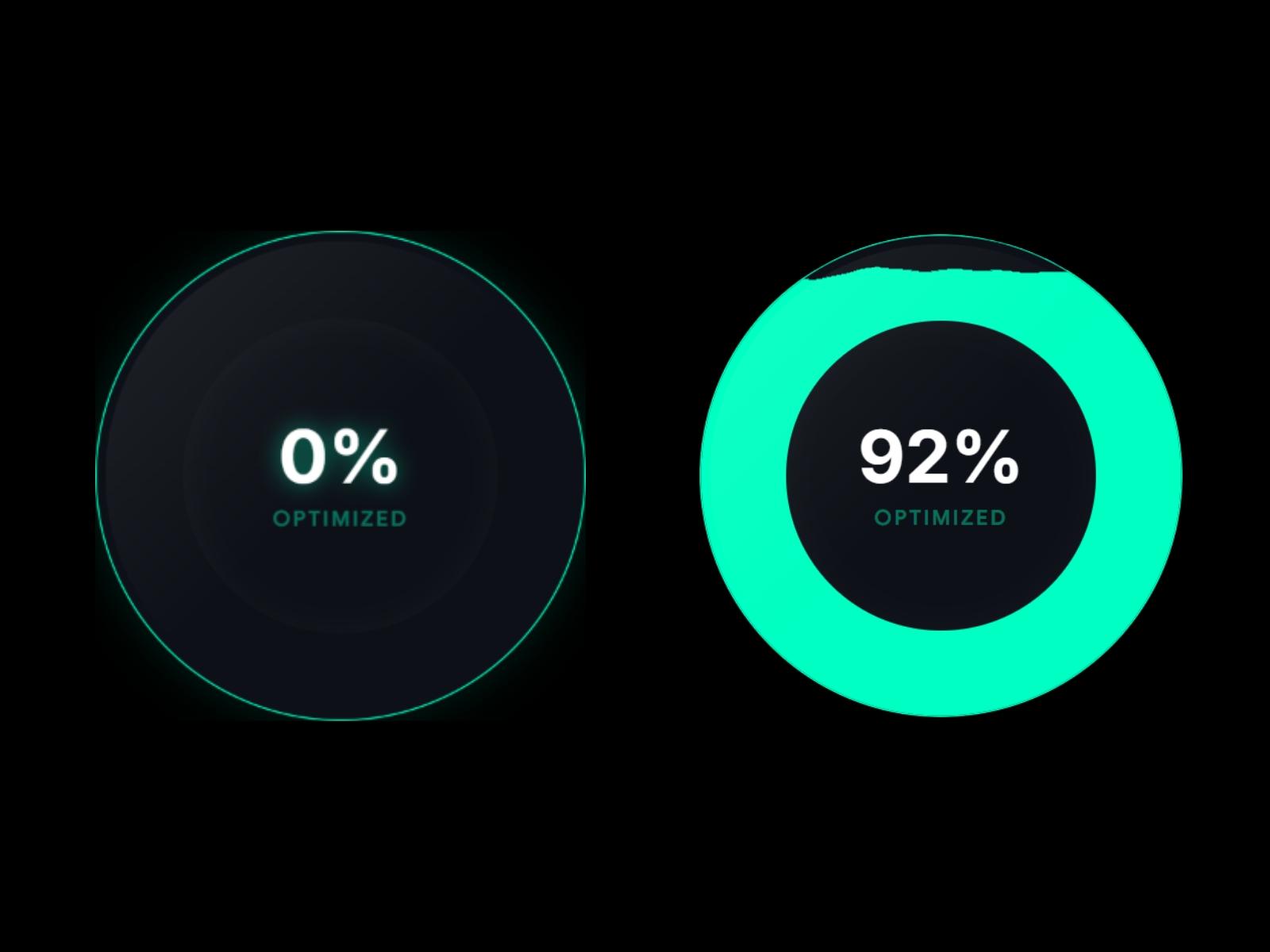
Dynamic Liquid Gauge
FramerFree
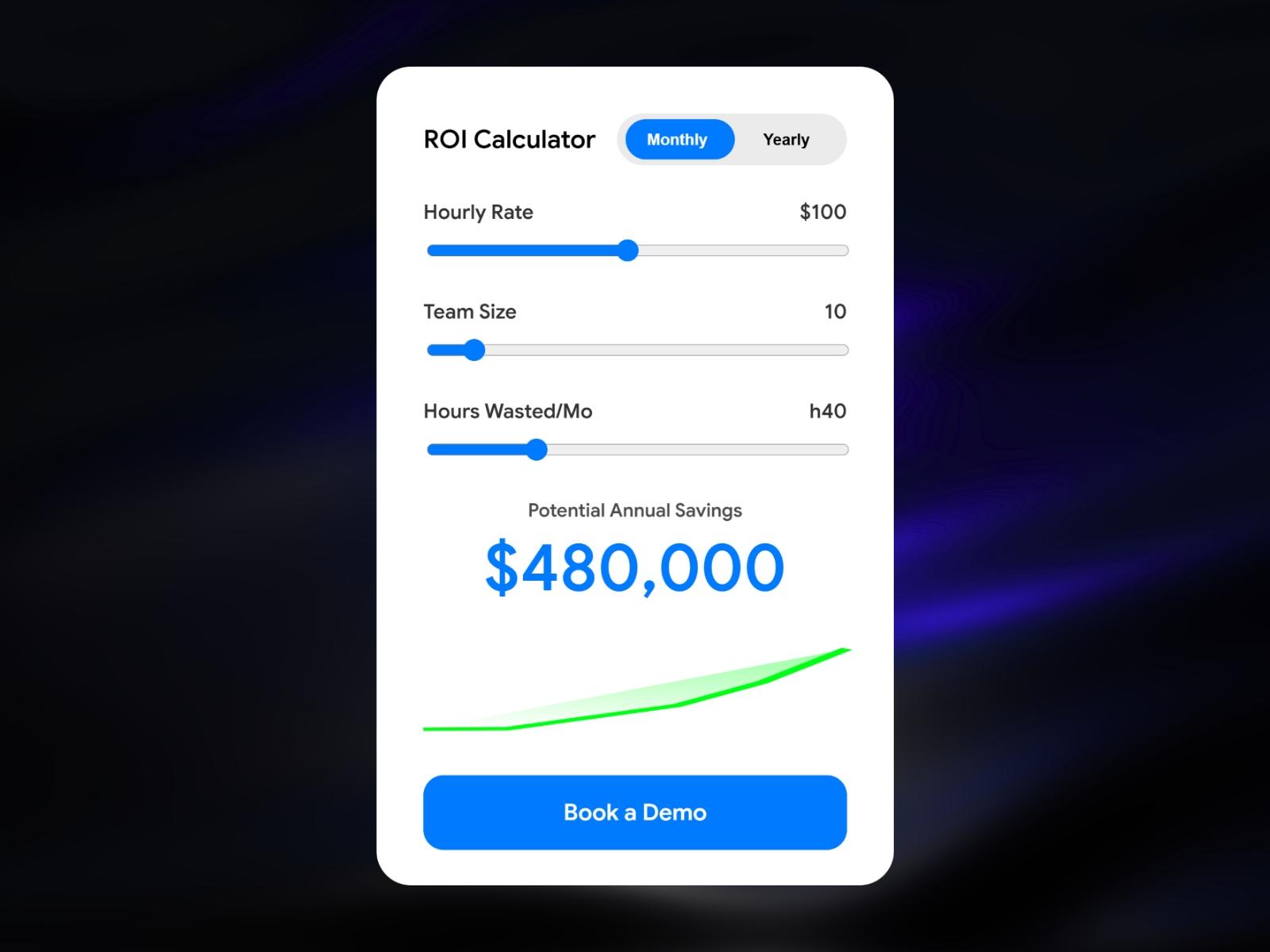
Show prospects their savings live
You can see the preview and description for free. To get the code, Framer component and files, choose one of the two options below.
Membership · all Premium components
$19/month, renews monthly, cancel any time. Includes every Premium component and new releases while active.
This component only · one-time
Unlocks just this component. It does not include other Premium components or future releases.
Buy this component onlyTurn your landing page into a sales tool. ROI Calculator Pro lets visitors calculate their own savings in real time - making the value of your SaaS impossible to ignore.
Drop it onto any Framer page and customize every label, color, and CTA directly from the property panel. No code needed.
What's included: → Animated savings counter with smooth number transitions → 3 fully customizable sliders (hourly rate, team size, hours wasted) → Monthly/Yearly billing toggle → Live area chart that reacts to slider input → Glassmorphism mode for dark or hero section backgrounds → Fully accessible - keyboard-navigable toggle with ARIA attributes → ControlType.Font, Color, Boolean, Link - all native Framer controls → Canvas-safe: uses useIsStaticRenderer() so no animation glitches in editor
Perfect for SaaS websites, agency landing pages, and product marketing pages.