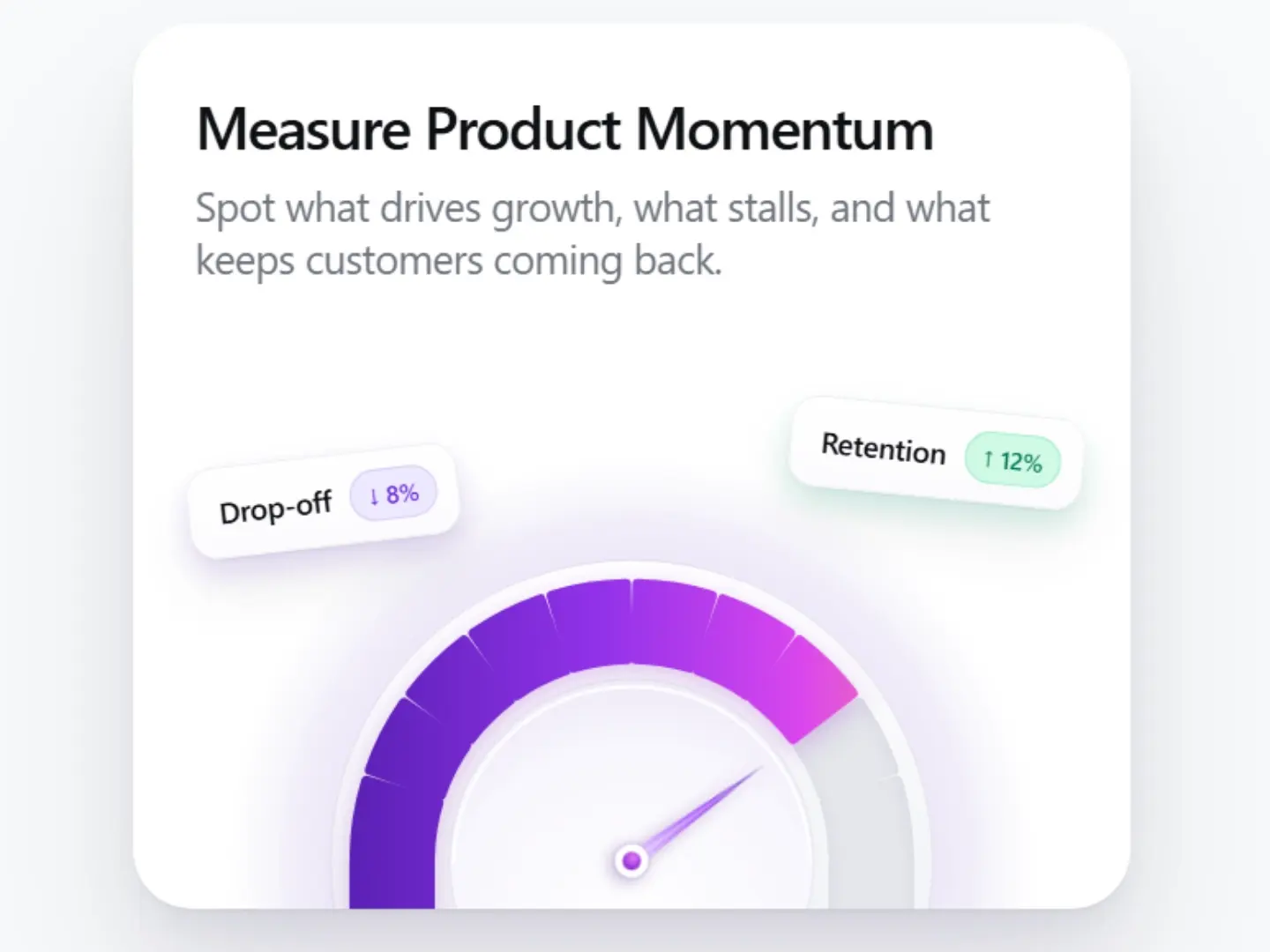
Engagement Gauge Card
CodeFree
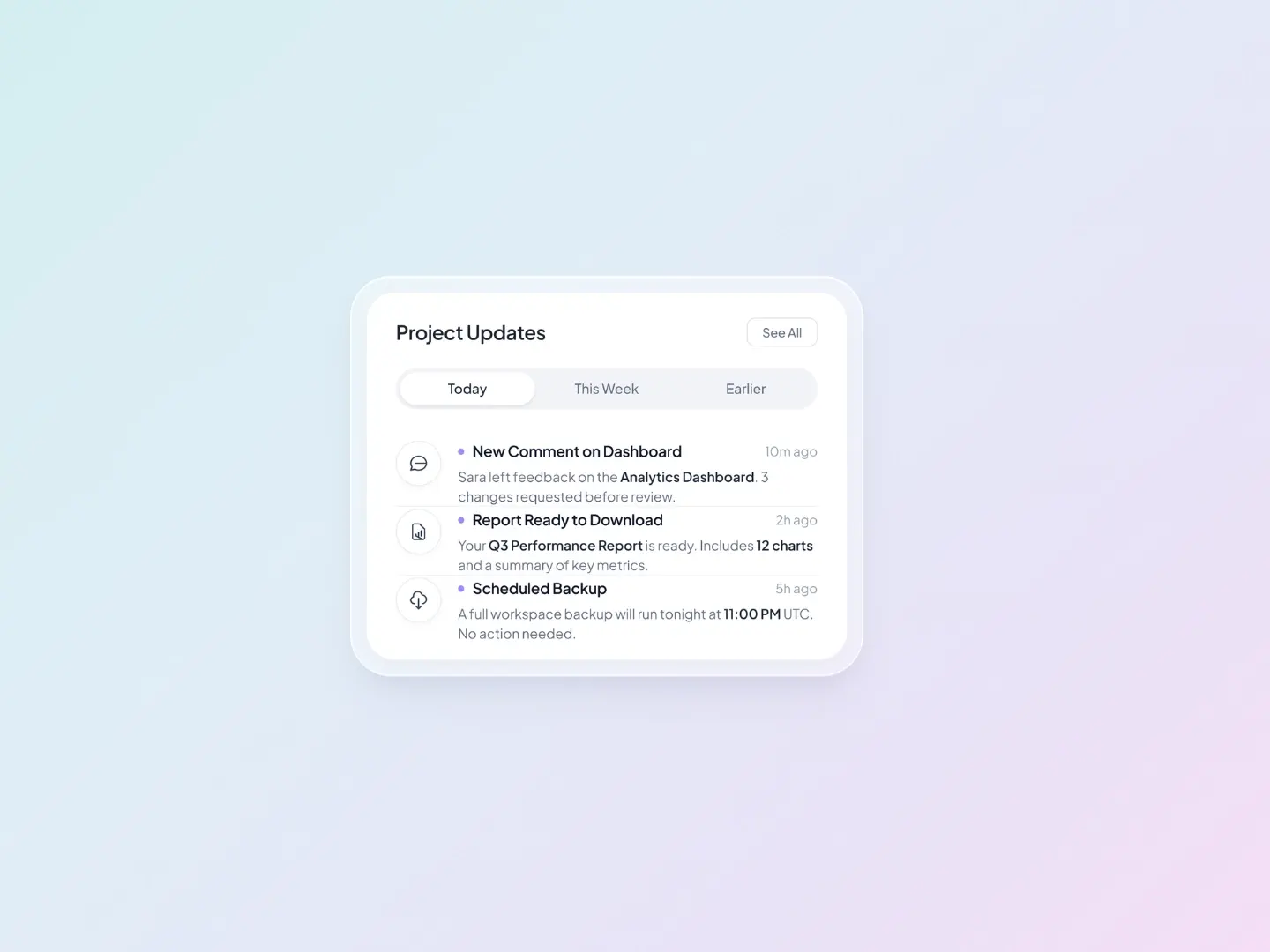
A clean, soft-gradient notification card, ready to paste into Framer.
Rounded card with a translucent outer frame. Segmented tabs: Today, This Week, Earlier. Three notification rows with an icon, title, time, and description. Small purple status dot and bold key numbers for quick scanning. Thin outline icons that match the card’s style. Pastel gradient grid background. Fully editable text, icons, colors, and spacing. Works well in dashboards, SaaS apps, and AI product designs.