
Skip to content
PixFortUI
Back
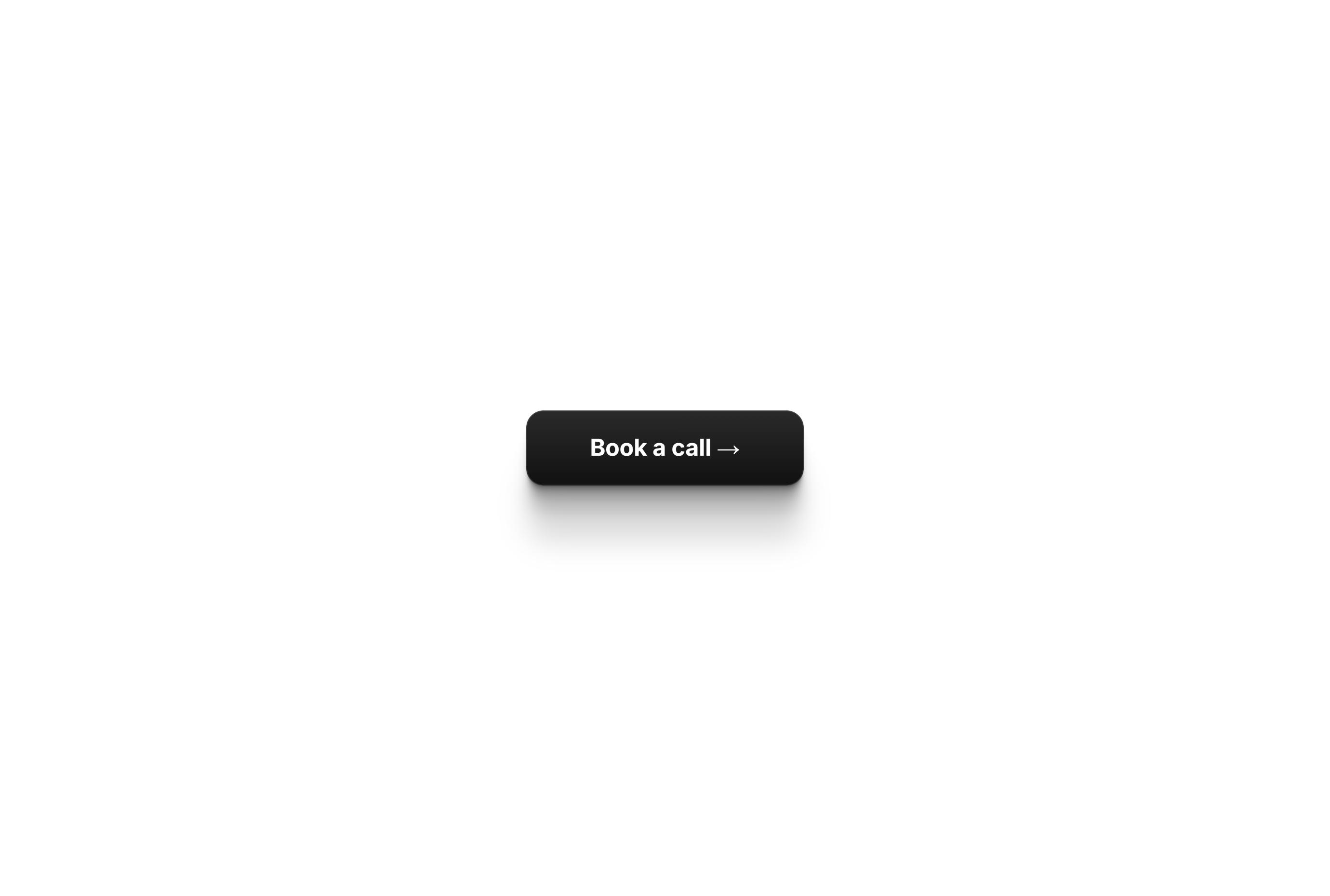
Glossy Dark CTA Button preview
FramerFreeButtons

Glossy Dark CTA Button

Dark Gradient CTA Button with Soft Shadow

Use this component

Copies the component. Then paste it onto your Framer canvas.

Share this component

About this component

Sleek dark button with a subtle top-to-bottom gradient Soft drop shadow that gives it a lifted, premium feel Bold label with a built-in arrow for a clear call to action Editable text, colors, corner radius, and link Works for “Book a call”, “Get started”, or any CTA Free to use in any Framer project

How to use it

  1. Press Copy component above.
  2. Open your Framer project and click on the canvas.
  3. Paste with Cmd/Ctrl+V, then adjust the properties in the right-hand panel.
Loading related components…